Looking for the best Android TV Box for IPTV? Compare the top streaming devices of 2026 based on speed, performance, video quality, and value. Watching IPTV on the right device can completely transform your entertainment experience. Even the fastest internet connection and the most reliable IPTV provider can’t compensate for a slow or outdated streaming box. Lag, buffering, app crashes, and poor video quality are often caused by the hardware not the IPTV service itself.
Android TV Boxes have become the preferred choice for IPTV users because they combine powerful hardware with access to thousands of streaming applications. Whether you’re watching live sports, movies, international TV channels, or on-demand content, a quality Android TV Box delivers smoother playback, faster navigation, and better overall reliability.
But with dozens of devices available in 2026, choosing the right one isn’t always easy. Some boxes promise impressive specifications but fail in real-world performance. Others cost more but provide years of dependable streaming.
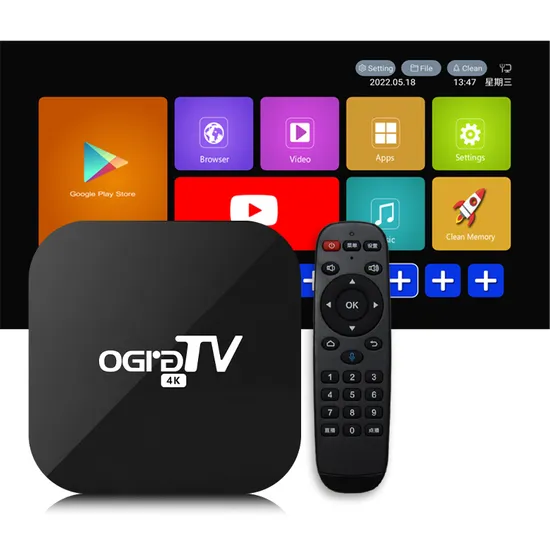
This guide compares the best Android TV Boxes for IPTV based on performance, video quality, software support, ease of use, and value for money. Whether you’re buying your first IPTV device or upgrading an older model, you’ll find the information you need to make the right decision.
Why an Android TV Box Makes a Huge Difference for IPTV
Many people assume buffering comes from their IPTV provider. While server quality certainly matters, the streaming device is equally important.
A powerful Android TV Box can:
- Load IPTV apps much faster
- Reduce freezing during live channels
- Decode 4K and HDR content smoothly
- Handle large playlists with thousands of channels
- Switch channels more quickly
- Improve overall stability
Older streaming devices often struggle because they have limited RAM, outdated processors, and slower Wi-Fi chips. Modern Android TV Boxes include newer CPUs, improved graphics processors, faster storage, and better wireless connectivity.
The result is a significantly smoother IPTV experience.
What to Look for in an Android TV Box for IPTV
Not every Android TV Box is worth buying. Marketing specifications can sometimes be misleading, so it’s important to understand which features truly matter.
Processor Performance
The processor is the brain of your streaming device.
A stronger CPU allows:
- Faster app launches
- Quicker channel switching
- Better multitasking
- Improved video decoding
- Less lag while navigating menus
Quad-core processors remain common, but higher-end models now feature more advanced chipsets capable of handling demanding streaming applications effortlessly.
If you frequently watch live sports or high-bitrate 4K content, processor performance becomes especially important.
RAM Matters More Than Most People Think
RAM determines how smoothly apps run while they’re open.
General recommendations include:
- 2 GB RAM: Suitable for light IPTV usage
- 4 GB RAM: Ideal for most users
- 8 GB RAM: Excellent for multitasking and demanding users
More RAM allows IPTV applications to stay responsive while switching between channels, opening electronic program guides (EPGs), or browsing large video libraries.
Internal Storage
Storage isn’t just for installing apps.
Many IPTV applications cache data to improve loading times.
Recommended storage sizes:
- 16 GB for basic users
- 32 GB for regular streaming
- 64 GB or more for advanced users who install multiple streaming apps
If you use media players, emulators, or download offline content, additional storage becomes even more valuable.
Wi-Fi 6 and Ethernet Support
Internet speed isn’t everything.
Connection stability matters even more.
Modern Android TV Boxes often include:
- Wi-Fi 6
- Dual-band Wi-Fi
- Gigabit Ethernet
- Bluetooth 5.2
For the most reliable IPTV experience, an Ethernet connection remains the gold standard. It minimizes interference and provides consistent bandwidth during high-quality streams.
Wi-Fi 6, however, performs exceptionally well for households where running an Ethernet cable isn’t practical.
4K and HDR Support
Most premium IPTV providers now offer increasing amounts of 4K content.
A good Android TV Box should support:
- 4K Ultra HD
- HDR10
- HDR10+
- Dolby Vision (where available)
- H.265 (HEVC)
- AV1 decoding
These technologies improve image sharpness, color accuracy, and streaming efficiency.
AV1 support is becoming particularly important because many streaming platforms are adopting this newer codec.
Android TV vs Google TV
Many buyers confuse Android TV with Google TV.
Both use Android as their operating system, but Google TV offers a more modern interface.
Benefits include:
- Better recommendations
- Improved navigation
- Cleaner home screen
- Faster updates
- Better integration with Google services
For IPTV, both platforms work extremely well.
The difference is mostly in user experience rather than streaming quality.
Best Android TV Boxes for IPTV in 2026
After comparing performance, software support, reliability, and overall value, these devices stand out from the competition.
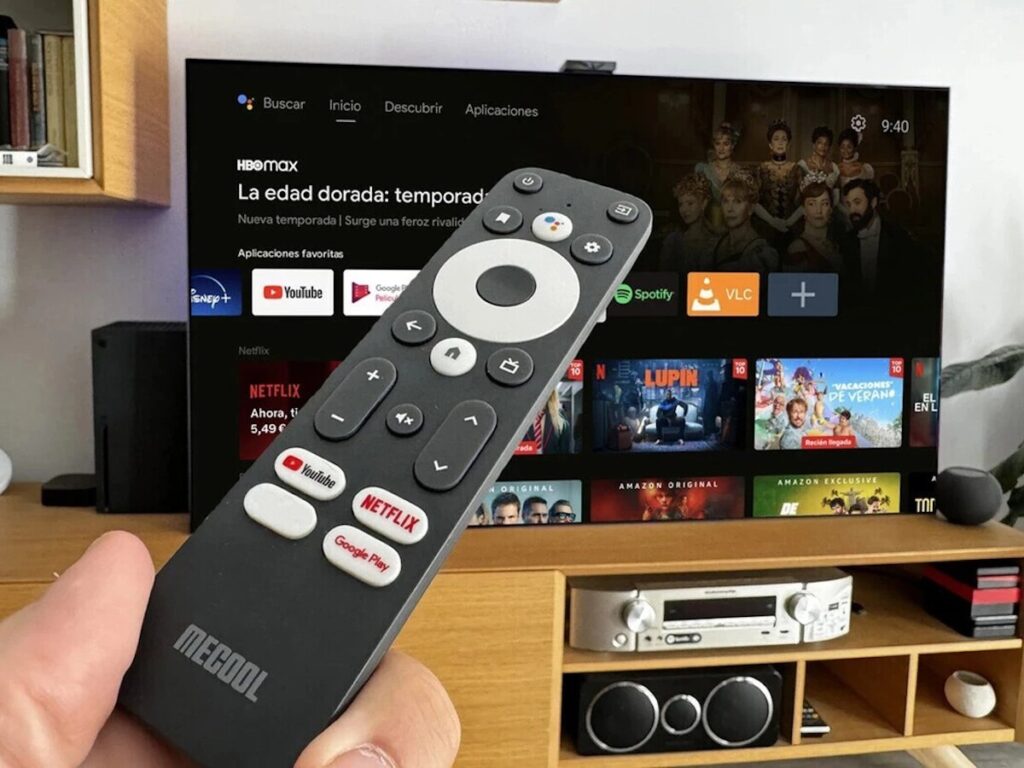
1. NVIDIA Shield TV Pro
The NVIDIA Shield TV Pro remains the benchmark for IPTV streaming.
Even years after its original release, few competitors match its performance.
Why It Stands Out
- AI-powered 4K upscaling
- Exceptional processor performance
- Dolby Vision
- Dolby Atmos
- Gigabit Ethernet
- Premium build quality
- Excellent software support
For IPTV users who watch several hours every day, this remains one of the safest long-term investments.
Pros
- Extremely fast
- Outstanding picture quality
- Excellent app compatibility
- Long software support
- Reliable performance
Cons
- Premium price
- Older hardware design compared to newer competitors
Despite its age, its optimized software keeps it among the fastest streaming devices available.
2. Google TV Streamer (Latest Generation)
Google’s latest streaming device has quickly become one of the most popular IPTV solutions.
It offers an excellent balance between price, speed, and ease of use.
Highlights include:
- Smooth Google TV interface
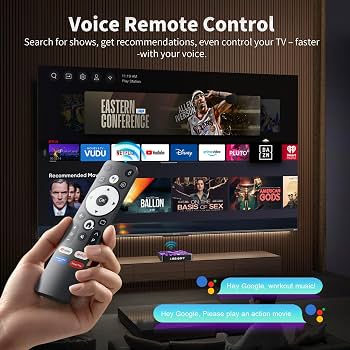
- Voice search
- Chromecast built-in
- Excellent remote control
- Fast navigation
- Regular software updates
It’s particularly suitable for users who want a simple plug-and-play IPTV setup without complicated configuration.
3. Formuler Z Series
Formuler has earned an excellent reputation among IPTV enthusiasts.
Unlike general Android TV Boxes, Formuler devices are designed with IPTV users in mind.
Some advantages include:
- Optimized IPTV interface
- Excellent remote
- Fast channel switching
- Smooth EPG performance
- Stable firmware
Many experienced IPTV users consider Formuler one of the most reliable brands available today.
4. Xiaomi TV Box S (3rd Generation)
Xiaomi has become one of the most trusted brands in the Android TV ecosystem. The latest TV Box S continues that reputation by offering impressive performance at a price that’s accessible to most users.
For IPTV enthusiasts who want a dependable device without spending premium money, it’s one of the strongest options available.
Key Features
- Google TV operating system
- 4K Ultra HD support
- Dolby Vision
- Dolby Atmos
- AV1 hardware decoding
- Wi-Fi 6
- Google Assistant built-in
- Chromecast support
The interface feels polished, and navigating through IPTV applications is smooth. Switching between live TV, movies, and streaming services is quick, making everyday use enjoyable.
Best For
- First-time IPTV users
- Families
- Living room streaming
- Everyday entertainment
Advantages
- Excellent value for money
- Reliable software updates
- Simple setup process
- Good picture quality
- Energy efficient
Drawbacks
- Limited internal storage
- Not as powerful as flagship devices
- Heavy multitasking can occasionally slow performance
For the majority of IPTV users, however, the Xiaomi TV Box delivers everything needed for a seamless viewing experience.
5. MECOOL KM2 Plus Deluxe
MECOOL has steadily improved its reputation over the last few years by producing certified Android TV devices with competitive specifications.
The KM2 Plus Deluxe is particularly attractive for IPTV because it balances affordability with solid hardware.
Highlights
- Official Google TV
- Netflix certification
- Prime Video certification
- AV1 decoding
- HDR10 support
- Dual-band Wi-Fi
- Bluetooth 5.2
Streaming IPTV channels feels responsive, and video playback remains stable even with higher bitrate streams.
This model also performs well when using demanding applications like Kodi or TiviMate with large playlists.
Pros
- Smooth navigation
- Competitive price
- Certified streaming services
- Modern connectivity
- Quiet operation
Cons
- Average remote control
- Internal storage could be larger
6. RockTek G2
The RockTek G2 is aimed at users who demand premium performance without reaching the price level of the NVIDIA Shield TV Pro.
Its modern hardware makes it one of the fastest Android TV Boxes currently available.
Specifications
- Powerful Realtek processor
- Android TV
- Wi-Fi 6
- Gigabit Ethernet
- HDMI 2.1
- Dolby Vision
- Dolby Atmos
- AV1 decoding
Large IPTV playlists open quickly, channel switching is responsive, and the user interface remains fluid even after extended use.
This is an excellent option for users with extensive media libraries or high-quality IPTV subscriptions.
Pros
- Outstanding performance
- Excellent picture quality
- Future-proof hardware
- Stable streaming
- Premium connectivity
Cons
- Higher price
- Less widely available than mainstream brands
7. Dune HD Homatics Box R 4K Plus
The Dune HD Homatics Box R 4K Plus combines premium hardware with advanced media playback features.
Although it’s popular among home theater enthusiasts, it also performs exceptionally well with IPTV.
Standout Features
- Google TV
- Dolby Vision
- Dolby Atmos
- Wi-Fi 6
- Gigabit Ethernet
- Powerful processor
- Excellent codec compatibility
One of its biggest strengths is handling extremely high-quality video files without stuttering.
If your IPTV provider offers premium 4K channels, this device can fully take advantage of them.
Best Android TV Boxes by Budget
Every user has different needs and spending limits. Fortunately, there are excellent choices across every price range.
Best Budget Choice
Xiaomi TV Box S (3rd Gen)
Ideal for casual users who want dependable performance without paying flagship prices.
Perfect for:
- HD streaming
- Occasional 4K viewing
- Families
- Beginners
Best Mid-Range Option
MECOOL KM2 Plus Deluxe
Offers a great balance between price and performance.
Ideal for:
- Daily IPTV viewing
- Sports
- Movies
- TV series
- Multiple streaming apps
Best Premium Choice
NVIDIA Shield TV Pro
Still the king of Android TV Boxes for demanding IPTV users.
Recommended if you:
- Watch IPTV every day
- Use Kodi
- Stream 4K regularly
- Want maximum longevity
Which IPTV Apps Work Best on Android TV Boxes?
Hardware is only one part of the equation. Choosing the right IPTV application also plays a major role in overall performance.
Here are some of the most reliable IPTV apps available for Android TV devices.
TiviMate
TiviMate is widely considered one of the best IPTV players available.
Why users love it:
- Beautiful interface
- Fast channel switching
- Excellent EPG support
- Recording functionality
- Favorites management
- Multi-playlist support
For Android TV users, it’s often the first recommendation.
IPTV Smarters Pro
Another popular choice that supports:
- Live TV
- Movies
- Series
- Catch-up TV
- Multiple user accounts
Its familiar interface makes it easy for beginners while still offering advanced features.
XCIPTV Player
XCIPTV remains popular because it combines simplicity with reliability.
Features include:
- Fast startup
- Modern interface
- Integrated video player
- EPG compatibility
- Stable performance
Many IPTV providers recommend XCIPTV because of its straightforward setup process.
Sparkle TV
Sparkle TV has gained popularity among Android TV users looking for a clean and responsive interface.
Benefits include:
- Smooth navigation
- Excellent DVR support
- Attractive layout
- Multiple playlist compatibility
It continues to receive regular improvements, making it a strong alternative to more established IPTV players.
Kodi
Kodi is much more than an IPTV player.
It allows users to:
- Organize personal media
- Watch IPTV
- Install media add-ons
- Customize the interface
- Manage local video libraries
While Kodi offers unmatched flexibility, it requires a bit more setup compared to dedicated IPTV apps.
For experienced users, however, it’s still one of the most powerful media centers available.
Android TV Box vs Fire TV Stick for IPTV
This is one of the most common questions among IPTV users.
Although both platforms can deliver excellent streaming experiences, Android TV Boxes generally provide more flexibility.
| Feature | Android TV Box | Fire TV Stick |
|---|---|---|
| Storage | Usually larger | Limited |
| USB ports | Often included | Rare |
| Ethernet | Frequently available | Adapter required |
| Performance | Higher overall | Varies by model |
| App installation | More flexible | More restricted |
| Expandability | Excellent | Limited |
Fire TV devices remain a good option for casual users, but Android TV Boxes are often the better choice for people who rely heavily on IPTV, use multiple apps, or want greater customization.
Common Mistakes When Buying an Android TV Box
Many buyers focus only on price and overlook factors that have a major impact on long-term satisfaction.
Avoid these common mistakes:
- Buying unbranded devices with no software support
- Choosing boxes with only 1–2 GB of RAM
- Ignoring codec support such as AV1 or HEVC
- Relying solely on Wi-Fi when Ethernet is available
- Purchasing outdated Android versions
- Falling for unrealistic marketing claims like “8K Ready” on underpowered hardware
- Forgetting to check update policies and customer support
Spending slightly more on a reputable brand often results in a much better experience over the lifespan of the device.
How to Optimize Your Android TV Box for IPTV
Even the most powerful Android TV Box won’t perform at its best if it’s poorly configured. Fortunately, a few simple adjustments can significantly improve stability, reduce buffering, and enhance picture quality.
Whether you’re watching live sports, movies, or international TV channels, these best practices will help you get the most out of your device.
1. Use a Wired Ethernet Connection Whenever Possible
While modern Android TV Boxes support fast Wi-Fi standards such as Wi-Fi 6, nothing beats a wired Ethernet connection for consistent IPTV streaming.
Ethernet offers several advantages:
- Lower latency
- More stable bandwidth
- Fewer connection interruptions
- Less interference from nearby devices
- Better performance during peak internet usage
If your TV box includes a Gigabit Ethernet port, connecting it directly to your router is one of the easiest ways to improve streaming reliability.
2. Keep Your Software Updated
Manufacturers regularly release firmware updates that improve performance, fix bugs, and strengthen security.
Likewise, IPTV applications receive updates that can:
- Improve playback stability
- Fix compatibility issues
- Speed up navigation
- Introduce new features
Before assuming a streaming issue is caused by your IPTV provider, check whether your Android TV Box and IPTV app are running the latest versions.
3. Close Unnecessary Background Apps
Like smartphones, Android TV Boxes can become slower when too many applications remain active in the background.
Closing unused apps helps free up:
- RAM
- Processor resources
- System cache
The result is smoother navigation and more responsive IPTV playback, especially on entry-level devices.
4. Regularly Clear App Cache
Over time, streaming apps accumulate temporary files that may affect performance.
Clearing the cache every few weeks can help:
- Reduce slow loading times
- Prevent app crashes
- Improve menu responsiveness
- Free up storage space
This maintenance task only takes a minute and can noticeably improve overall performance.
5. Choose the Right Video Settings
Many IPTV applications allow users to adjust playback quality.
If your internet connection is stable, enable:
- 4K resolution (if supported)
- HDR
- Hardware video decoding
- Automatic frame rate matching
If your connection is slower, selecting Full HD instead of 4K may provide a more stable experience with minimal visual difference on smaller screens.
Why Some Android TV Boxes Buffer More Than Others
Users often blame buffering entirely on their IPTV provider, but several factors influence streaming performance.
Common causes include:
Weak Processor
A slow CPU may struggle to decode high-bitrate video streams efficiently.
Limited RAM
Insufficient memory can lead to sluggish menus, delayed channel switching, and occasional app crashes.
Poor Wi-Fi Hardware
Not all wireless chipsets are equal. Premium Android TV Boxes generally include stronger antennas and more reliable wireless performance.
Low-Quality Storage
Cheap internal storage affects:
- Boot times
- App loading
- Playlist processing
- General responsiveness
This is one reason why reputable brands usually provide a noticeably smoother experience than low-cost generic devices.
How Much RAM Do IPTV Users Really Need?
This is one of the most common questions among buyers.
Here’s a practical guideline:
2 GB RAM
Suitable for:
- Basic IPTV viewing
- One application at a time
- HD channels
Not ideal for heavy multitasking.
4 GB RAM
The sweet spot for most users.
Provides smooth performance for:
- Live TV
- Movies
- Sports
- Large playlists
- Electronic Program Guides (EPGs)
8 GB RAM
Recommended for power users who:
- Run Kodi alongside IPTV apps
- Use multiple streaming services
- Install many applications
- Frequently multitask
For most households, 4 GB remains the best balance between price and performance.
Is an Expensive Android TV Box Worth It?
Not always.
Your ideal device depends on how you use IPTV.
Casual Users
If you watch television a few evenings each week, a mid-range Android TV Box is usually more than sufficient.
Daily Viewers
People who stream several hours every day benefit from faster processors, better cooling, and longer software support.
Home Theater Enthusiasts
Premium devices become worthwhile if you regularly enjoy:
- Dolby Vision
- Dolby Atmos
- 4K HDR content
- Large local media libraries
Although flagship models cost more upfront, they often remain reliable for many years, making them a better long-term investment.
Frequently Asked Questions
Which Android TV Box is best for IPTV?
The NVIDIA Shield TV Pro remains one of the strongest choices thanks to its exceptional performance, AI upscaling, long software support, and outstanding reliability.
However, devices like the Google TV Streamer, Xiaomi TV Box S, Formuler Z Series, and RockTek G2 also provide excellent IPTV experiences depending on your budget.
Do I Need a Powerful Internet Connection?
Not necessarily.
Typical recommendations include:
- HD streaming: 10 Mbps
- Full HD: 20 Mbps
- 4K streaming: 35 Mbps or higher
Connection stability is often more important than raw download speed.
Is Wi-Fi Good Enough?
Yes—provided you have:
- A strong router
- Good signal strength
- Minimal wireless interference
For maximum reliability, Ethernet remains the preferred option.
Can I Use Multiple IPTV Apps?
Absolutely.
Many users install several IPTV applications to compare interfaces or access different playlists.
Modern Android TV Boxes can easily handle multiple IPTV apps simultaneously.
Do Android TV Boxes Receive Updates?
Quality brands usually provide firmware updates for several years.
Before purchasing a device, it’s worth checking the manufacturer’s update history and reputation.
Regular software support helps improve compatibility, security, and long-term performance.
Can an Android TV Box Replace Cable TV?
For many households, an Android TV Box combined with streaming services and IPTV can serve as a versatile entertainment hub.
Beyond IPTV, these devices support video-on-demand platforms, music streaming, gaming, screen casting, and access to thousands of Android TV apps, allowing users to centralize much of their entertainment in one place.
Final Thoughts
Choosing the best Android TV Box for IPTV isn’t simply about selecting the most expensive device—it’s about finding the right balance between performance, reliability, software support, and your viewing habits.
If you want the absolute best performance, the NVIDIA Shield TV Pro remains the benchmark, offering excellent speed, long-term support, and premium features.
For users seeking outstanding value, the Xiaomi TV Box S (3rd Generation) and Google TV Streamer provide excellent performance at a more affordable price, making them ideal for everyday streaming.
If IPTV is your primary form of entertainment, investing in a reputable Android TV Box can dramatically improve your experience. Faster hardware, better connectivity, and optimized software translate into smoother navigation, quicker channel switching, fewer interruptions, and higher-quality playback.
Rather than focusing solely on technical specifications, prioritize devices from trusted manufacturers with a proven record of software updates and dependable customer support. A well-supported streaming box is far more likely to deliver a consistent experience over the years than a cheaper, generic alternative.
Ultimately, pairing a reliable Android TV Box with a stable internet connection and a well-optimized IPTV application creates the foundation for enjoyable, uninterrupted streaming—whether you’re watching live sports, blockbuster movies, international channels, or your favorite TV series.
Best IPTV providers in Europe & USA :
